


























































How to Do Forecasting in Power BI (Steps & Accuracy Metrics)
Remember our last guide - Power BI forecasting? It revealed things that truly blocks accuracy, both structural and situational. Now it's time to take the next step. Knowing Power...


601 & 612, The Times square Arcade, Near Baghban party plot, Thaltej - Shilaj Road, Thaltej, Ahmedabad, Gujarat - 380059
Manual Excel tracking was the main problem for a US-based consulting company due to the operations heavily relying on high-stakes analysis and data-driven decisions. This was slowing teams down and creating unnecessary risks.
iFour stepped in with a custom Excel Add-in solution, which helped them with data accuracy, speed, and auditability.
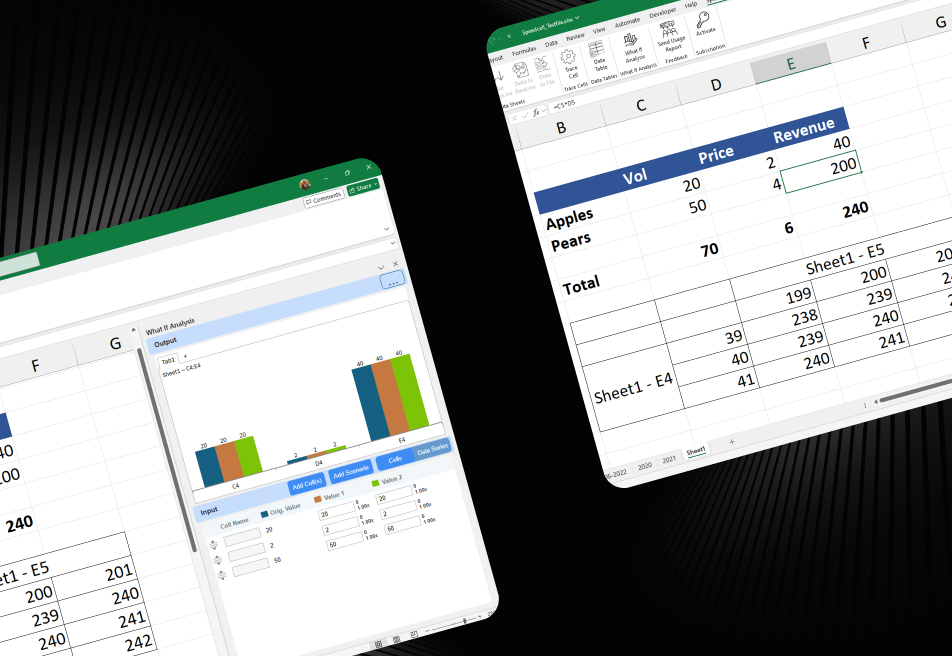
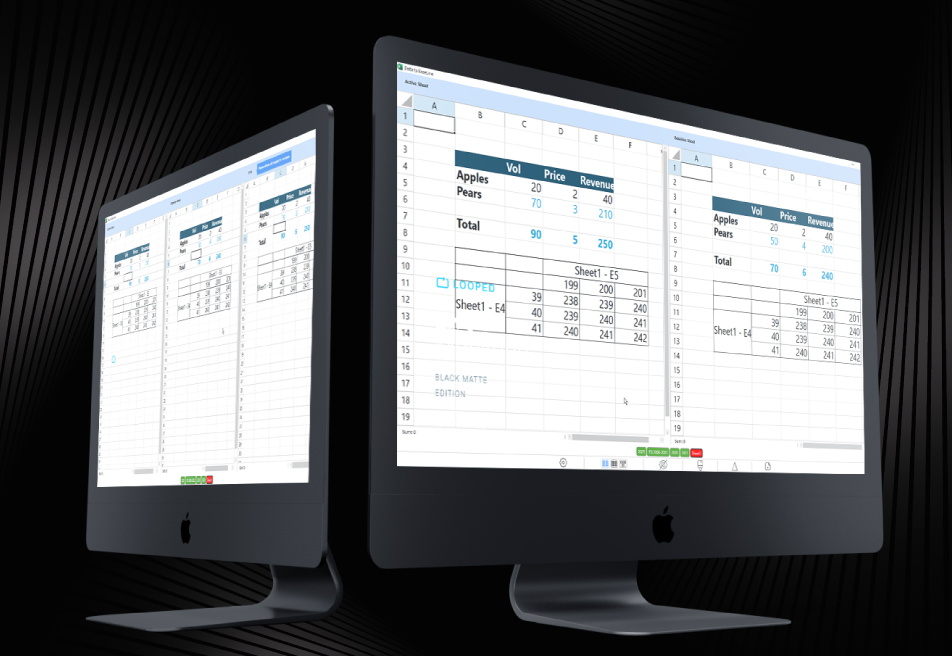
Our Add-in helped them gain automated version control, role-based access, and advanced comparison tools, which helped them turn spreadsheets (from a liability) into a reliable business asset.
Impacts Observed:


less manual work
fewer errors
faster reports
data security
audit-ready
Our client is a strategic consulting firm serving financial analysts, M&A advisors, and business intelligence teams across the United States.
Industry: Financial Modeling and Strategic Consulting
Geography: United States
Size & Operations: High-performing teams conducting complex, high-stakes analysis using Excel across multiple business units
Initial Approach & Where It Failed: They relied on manual Excel workflows for modeling and reporting, which became bottlenecks as the firm scaled - slowing productivity and increasing risk exposure due to lack of automation and auditability.
Why They Came to Us:
They needed a scalable solution to streamline financial modeling, reduce manual errors, and enhance audit trails - without compromising speed or analytical depth.


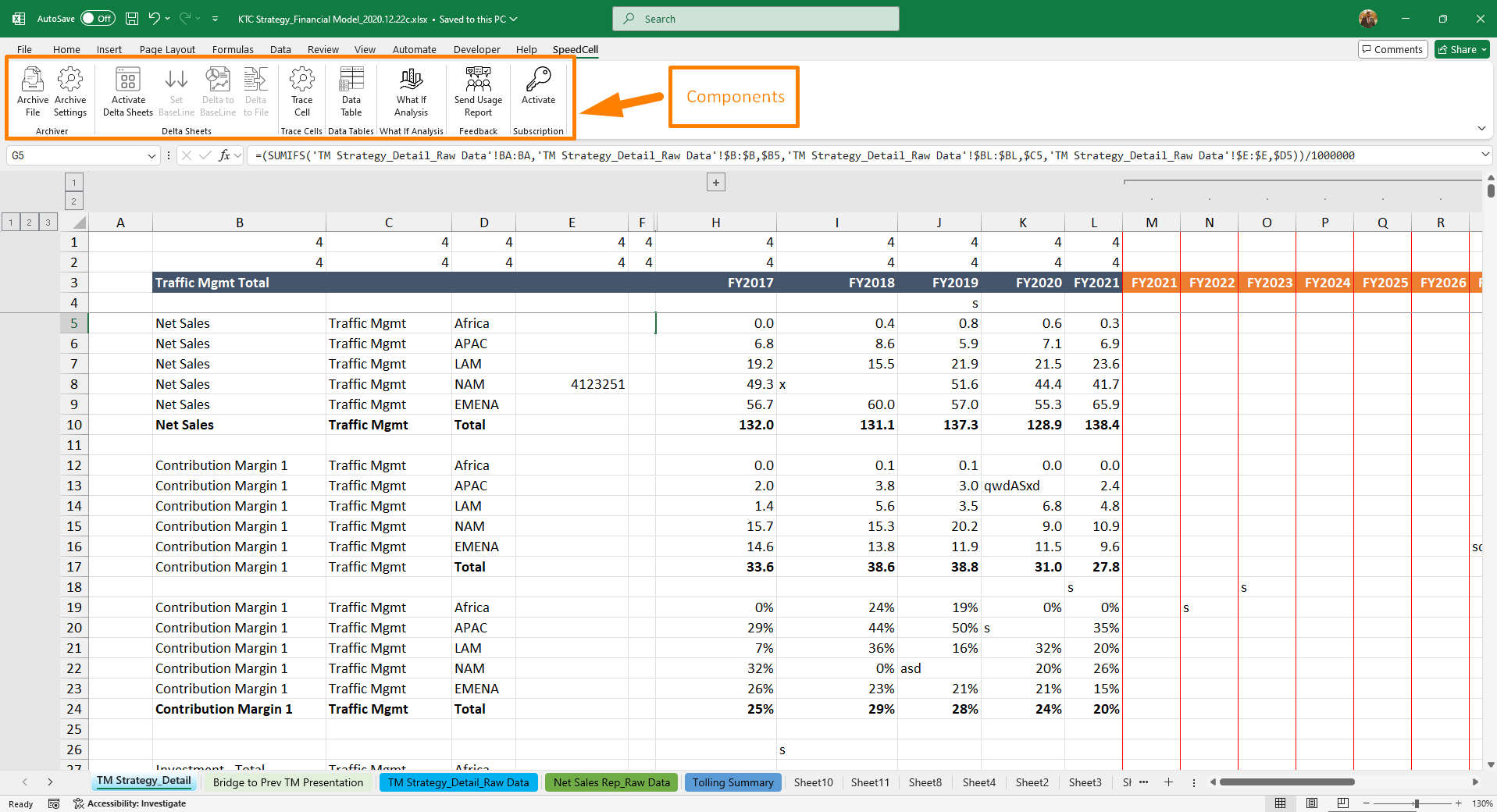
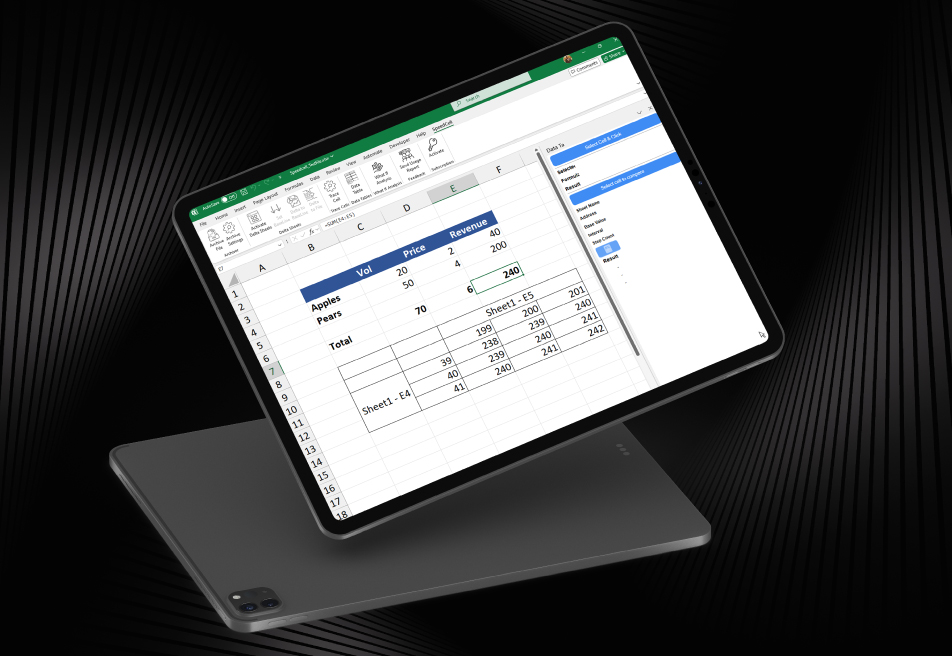
Since the firm was highly reliant on Excel workflows, it exposed inefficiencies that made data-driven work harder than it needed to be:
There is no built-in version control. Only manual file tracking with data risk.
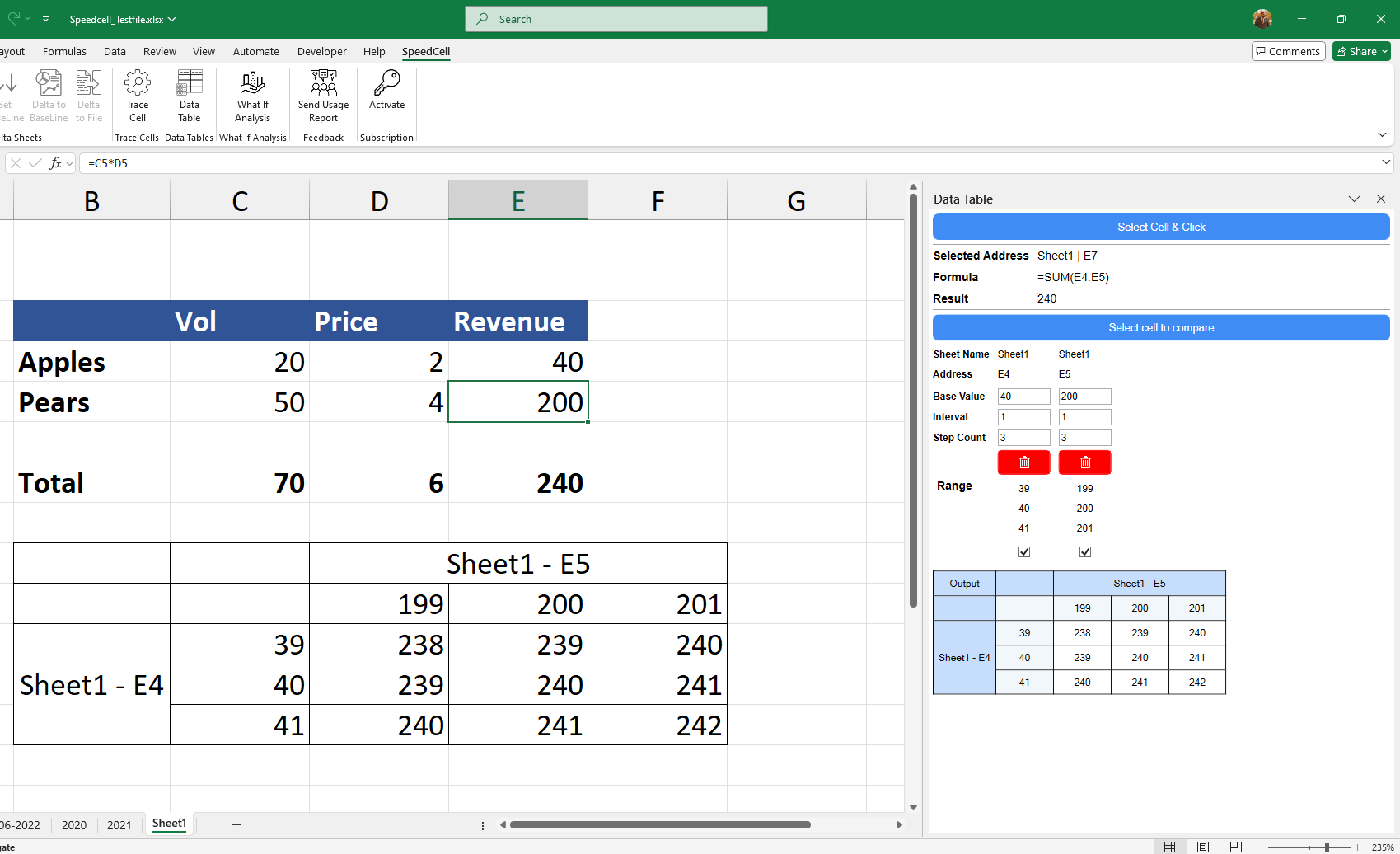
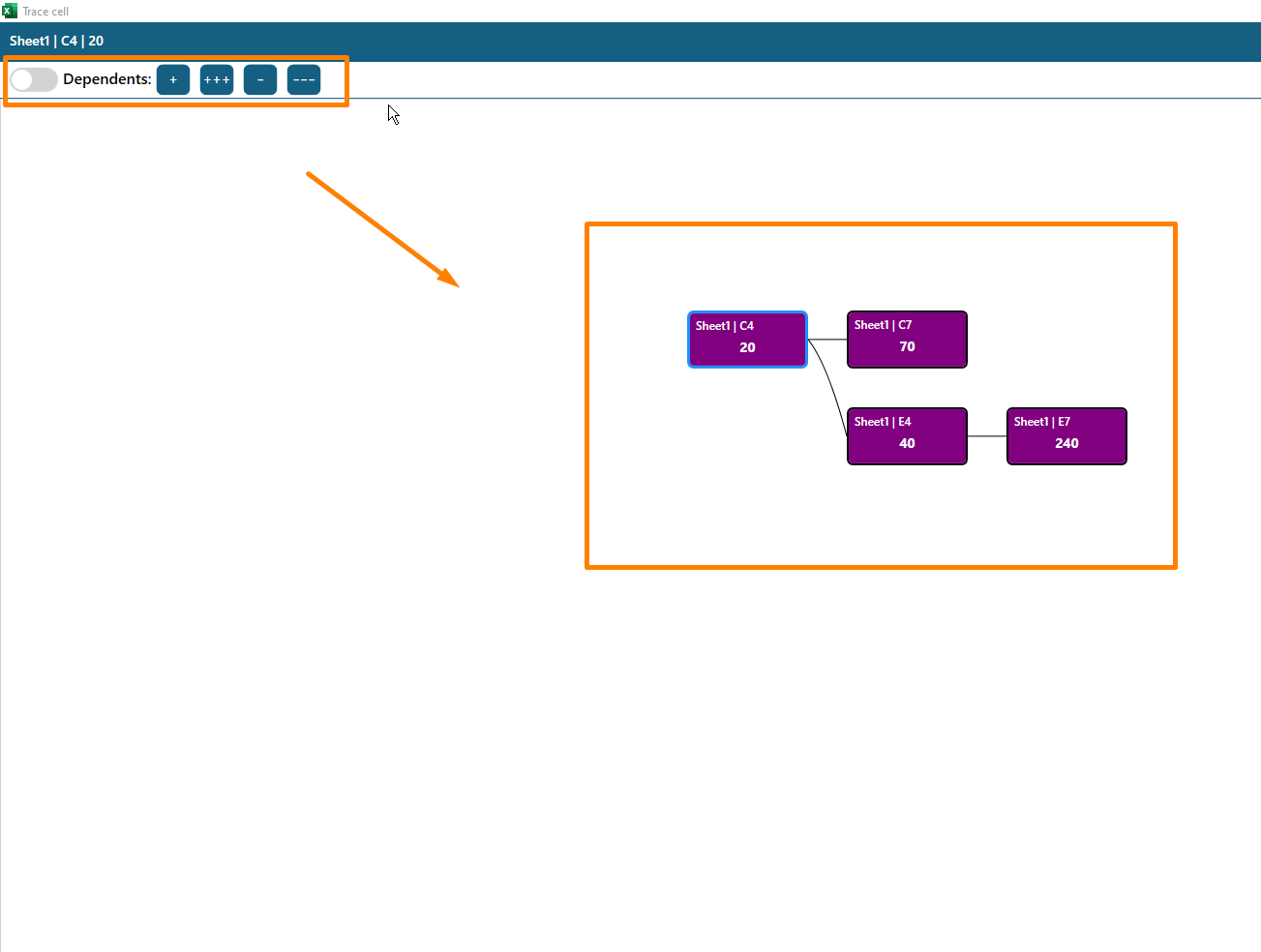
Had complex, & time-consuming formula tracing across large spreadsheets
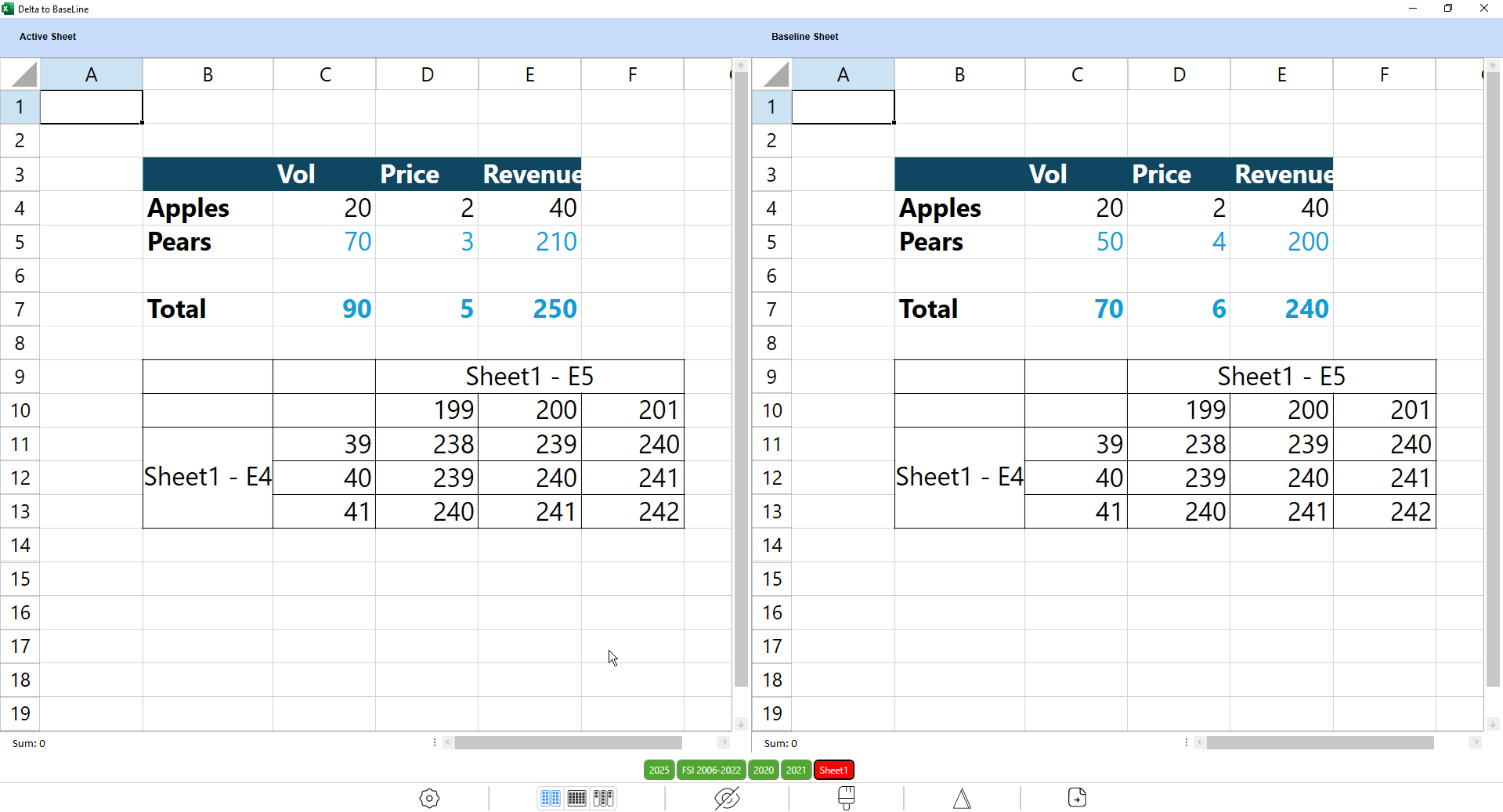
There’s no clear way to compare or visualize changes for duplicate versions
Comparing Excel versions manually affected the firm’s productivity.
Managing role-based access and feature restrictions was difficult
Manual license management slowing down user onboarding and renewals
Result: Excel workflows were inefficient, error-prone, and risky for high-stakes analysis.
Need: A smarter, automated way to manage Excel processes with version control, role-based access, and advanced comparison tools.
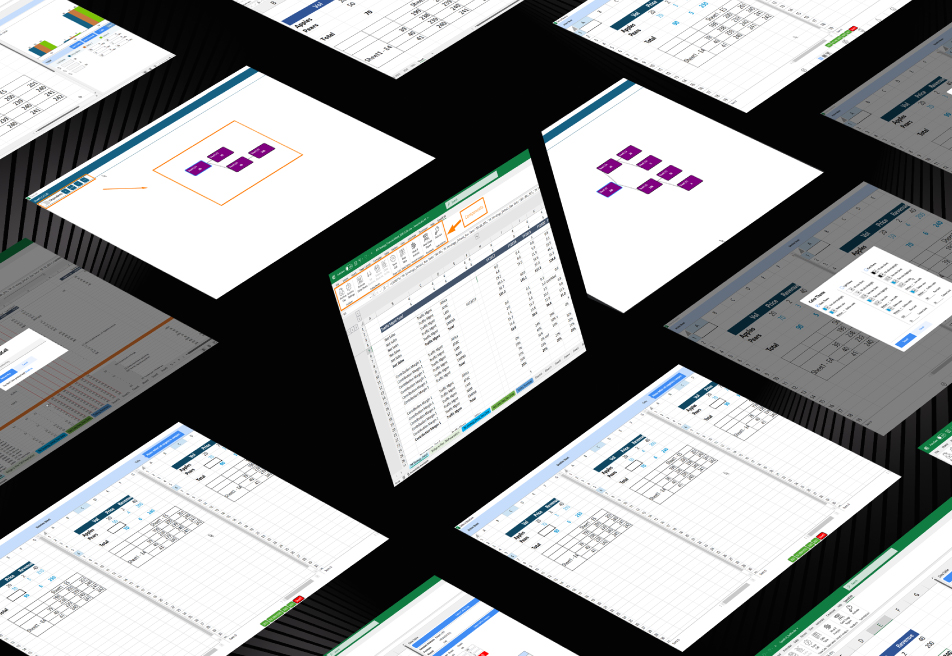
iFour developed an advanced Excel Add-in that simplifies, automates, and secures spreadsheet management at scale.
For Sustainability
Ad Monetization Model: 100% free for users, with non-intrusive ads via AdPushup to keep the platform profitable.
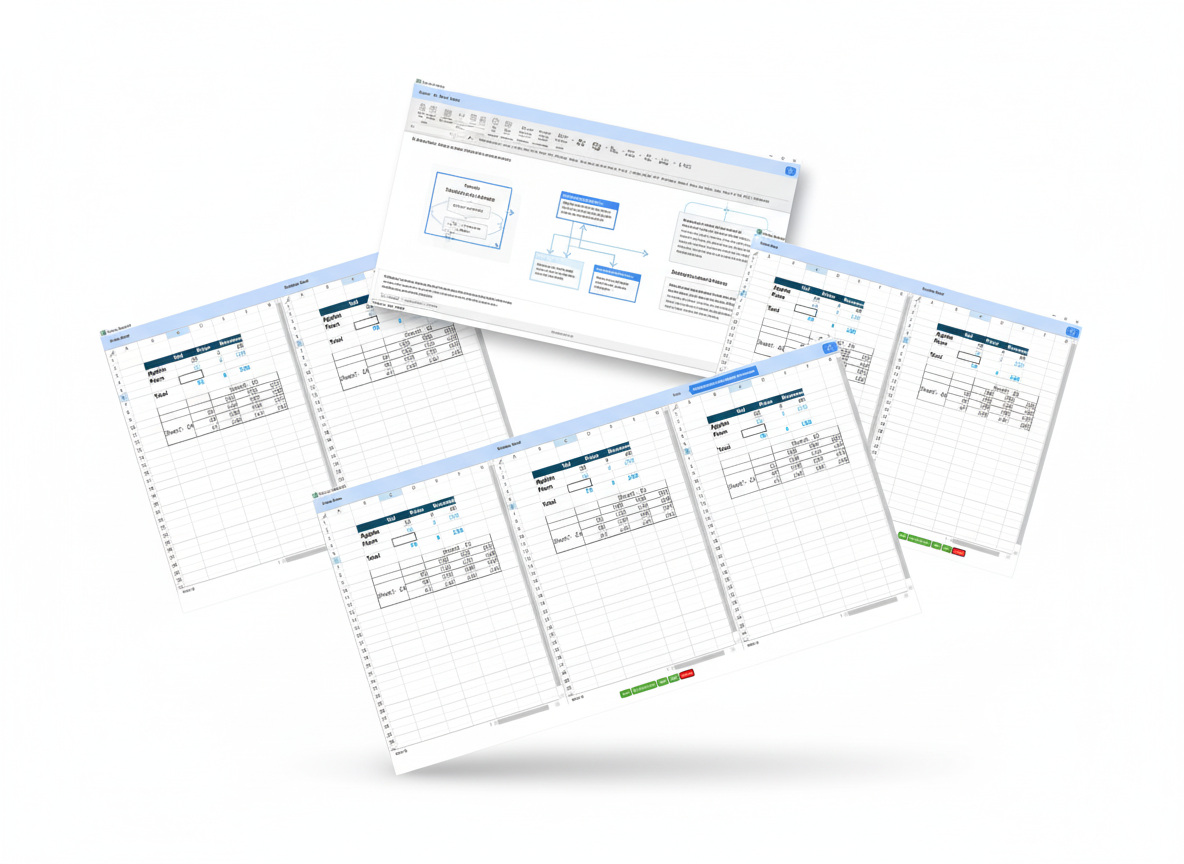
SpeedCell was built with enterprise-grade safeguards to meet regulatory and operational needs:
(Technology Stack & Architecture)
With SpeedCell in place, the firm achieved measurable gains:

SpeedCell transformed Excel from a static spreadsheet into a dynamic decision-making engine - secure, intelligent, and built to scale.
What was once manual, error-prone, and cluttered is now automated, audit-ready, and streamlined.
Now the customer has unlocked new clarity:
This transformation didn’t happen overnight - it started when a custom Add-in and smart automation met real business needs. Let’s talk about how we can do the same for your business.
iFour ensured a smooth rollout with:
Hire Office Add-in developers to simplify your workflows today.
We encourage you to contact us with any questions or comments you may have.

See how we've transformed businesses with Azure cloud solutions

Quick Summary UR Protection Security, a Brisbane-based agency, faced significant inefficiencies due to manual scheduling, reporting delays, and limited real-time oversight. iFour stepped in with SafeIngress, a centralized, AI-enhanced web...

Quick Summary Many U.S. businesses face a common challenge: data being stuck in core systems, making analysis slow and frustrating. Exporting and matching versions takes time and often causes mistakes. This case study shows how iFour...

About Customer Customer is a leading debt management company based in Hamilton, USA. Customer offers financial services in marketing, buying, selling and brokering the portfolios. Customer provides cloud based and flexible debt exchange solutions...

Quick Summary In Australia, payroll typically starts with gross pay and deducts to get net pay. But for small businesses, reverse-calculating gross from net can be challenging. This case study shows how a new reverse payroll system developed...

While using Office Apps (Word, PowerPoint and Excel), you can save your file in one place at a time. However, you could possibly face data loss if uncertainties such as system crash, hard drive failure, etc. occur. Hence, you have to maintain proper backups...
About Customer The customer is an Australian-based organization that provides substantial tools and advice to startups and mid-sized enterprises in order to help them expand their businesses. The firm has passionate individuals who are experts in resolving...

Remember our last guide - Power BI forecasting? It revealed things that truly blocks accuracy, both structural and situational. Now it's time to take the next step. Knowing Power...

It's amazing to see how Data teams today are racing ahead - moving from traditional warehouses to cloud-native platforms, lakehouses, and real-time architectures. But in this rush,...

Think about the last time CTOs spent most of their time fixing old systems. Updates were slow, servers were expensive, and adding new features took time. Now, things have changed....